Physical Address
304 North Cardinal St.
Dorchester Center, MA 02124

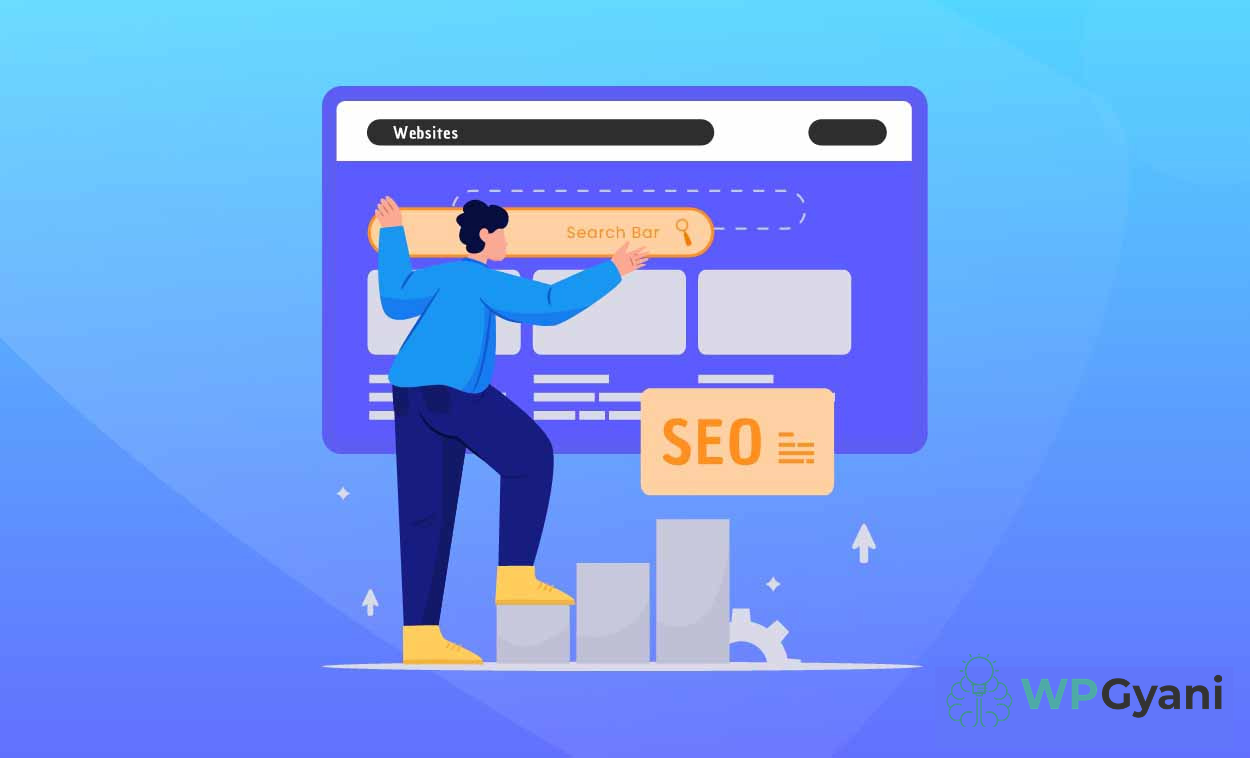
Improving SEO on a WordPress website takes time, effort, and the right strategy. Many website owners install SEO plugins, publish optimized content, and update their pages regularly, but still struggle to understand whether their SEO efforts are delivering real results.
The good news is that you don’t need to guess. By monitoring the right metrics and using modern SEO tools, you can clearly measure your progress and improve your website’s search performance over time.
Table of Contents
SEO is more than just ranking for keywords. A successful strategy helps your website attract the right visitors, increase engagement, and improve conversions.
Without proper tracking, you may continue using methods that are not effective. Measuring performance allows you to:
For businesses using the WordPress platform, regular SEO monitoring is essential for long-term success.
One of the first signs of SEO success is increasing organic traffic. Organic traffic refers to visitors who find your website through search engines instead of paid ads or social media.
If your SEO strategy is working, you should notice:
Tracking traffic trends over several months provides a clearer picture of your website’s growth.
Keywords help search engines understand your content. Monitoring keyword rankings helps determine whether your optimization efforts are improving visibility.
Pay attention to:
A strong keyword strategy can significantly improve the reach of your WordPress website.
Choosing the best analytics solution for WordPress is one of the smartest ways to measure SEO performance. Analytics tools provide detailed reports about traffic sources, visitor activity, and user behavior.
These insights help website owners:
Modern analytics dashboards simplify complex SEO data, making it easier for beginners and professionals alike.
Search engines prioritize websites that provide a positive user experience. Even if your pages rank well initially, poor usability can reduce performance over time.
Important factors include:
Using lightweight and optimized WordPress Themes can improve user experience and help boost rankings.
Technical SEO ensures search engines can properly crawl and index your website. Ignoring technical issues can hurt rankings even when your content is strong.
Common technical problems include:
Regular audits help maintain a healthy website structure and support better WordPress Development practices.
SEO tools in 2026 are becoming smarter with AI-powered recommendations. These tools automatically analyze your website and suggest improvements based on search trends and user behavior.
AI can help with:
These smart recommendations save time while helping website owners make more effective SEO decisions.
Traffic alone does not guarantee success. Your SEO strategy should also support business goals such as leads, sales, subscriptions, or inquiries.
Track actions like:
A successful SEO campaign attracts visitors who are genuinely interested in your content or services.
SEO results rarely happen overnight. Search engines need time to evaluate content quality, authority, and user engagement.
For long-term growth:
Steady improvements often lead to stronger rankings and better online visibility.
The best way to check whether your SEO is actually working is by combining analytics, keyword tracking, technical optimization, and user behavior analysis. A successful WordPress platform focuses not only on rankings but also on user experience and long-term growth.
By using the best analytics solution for WordPress, improving technical performance, and following AI-powered recommendations, businesses can build a stronger online presence and achieve sustainable SEO success.
For expert WordPress tips, SEO strategies, and the latest updates in WordPress Development, follow WP Gyani.
Also view: How to Speed Up Your WordPress Site: Comprehensive Guide
It is highly advisable to protect your WordPress login since it is a common point of attack on any website. It protects all your valuable information and helps you retain the confidence that users have in you.
Thus, the passwords with high levels of security are those that require letter casing, numeracy, and the use of symbols. They are significant in the sense that they provide difficulty to anyone intent on obtaining your login details and therefore, act as a means of increasing the security on your site.
Two-factor authentication 2FA enhances the security reinforcement of an account by enforcing another sort of identification aside from a password. This makes it easier for outsiders not to gain access to your site as compared to the previous case.
To restrict login attempts, there are plugins that one can use, for instance, the Limit Login Attempts Reloaded and Loginizer among others. These plugins assist in avoiding brute force attacks, that is if the number of logins from one IP address is limited.
CAPTCHA is very useful in that it can be used to prevent hackers from accessing a website by cycling through word lists to guess a username/password by presenting the user with a task that the computer cannot do. This provides an extra layer of protection to minimize any unauthorized person to log into the system.
As for the fact that the attackers can find your login page naturally, it is necessary to note that changing the default login URL directly affects this factor and minimizes the chances of an attacker finding the account login page. This elementary change will go a long way in increasing the security of your site.
SSL or (Secure Socket Layer) is a form of data encryption that takes place between your browser and server to ensure that communication is secure. One has to make sure that the login credentials and other confidential information cannot be diverted to internet attackers.
Some of the plugins you can use for monitoring and logging login activities include; the WP Security Audit Log and Activity Log. Some of these tools are log-in attempts tracking mates and presenting detailed reports making it easy for one to follow suspicious movements and or signs of security breaches.
It aids in keeping your WordPress core, themes as well as plugins abreast with the current security updates or patches. Another advantage of having frequent backups is that it is easy to restore your site in case it has been attacked thus reducing time lost and information that may have been compromised.
If managing the security of your site becomes difficult or if you do not have the knowledge on how to administer more complicated security measures then it might be worth hiring professional security services. Expert gives full coverage and constant surveillance so that your site will not be vulnerable.