Physical Address
304 North Cardinal St.
Dorchester Center, MA 02124

Every website visitor expects to find the information they are searching for. However, sometimes they click on a broken or outdated link and land on a WordPress 404 Page. While a standard 404 error can be frustrating, it also presents an opportunity to improve user experience and keep visitors engaged.
Instead of displaying a plain “Page Not Found” message, you can design a custom 404 page that guides users toward relevant content, reduces bounce rates, and strengthens your website’s SEO. Let’s explore how you can improve your 404 page template in WordPress.
Table of Contents
A WordPress 404 Page appears when a requested URL cannot be found on your website. This may happen because:
Although 404 errors are common, leaving visitors on a generic error page can cause them to leave your website altogether.
A well-designed custom 404 page on WordPress helps users continue browsing instead of abandoning your site. It also reflects your brand and improves overall navigation.
A customized 404 page can:
These features improve user engagement and increase the chances of visitors staying on your website.
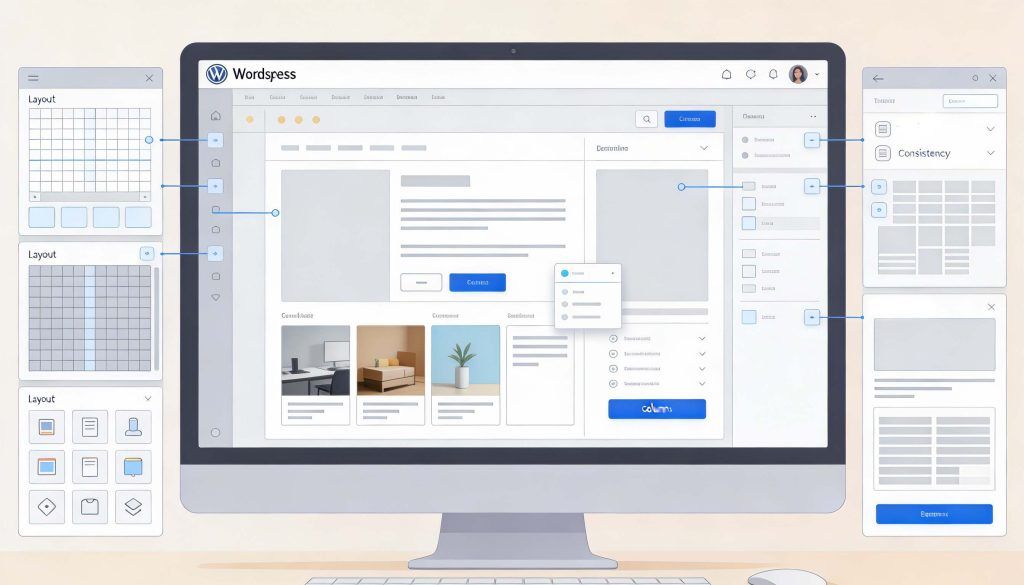
Your 404 page should feel like a natural part of your website rather than a disconnected error screen. Most modern WordPress themes allow you to customize templates without affecting the rest of your site.
Maintain consistency by using:
A consistent design reassures visitors that they are still on the correct website.
Avoid technical language or generic error notifications. Instead, use a friendly message that explains the page cannot be found and offers helpful alternatives.
For example:
Simple and positive messaging creates a better user experience.
An effective custom 404 page on WordPress should help users continue exploring your website instead of leaving.
Consider adding:
The easier it is for visitors to find relevant content, the more likely they are to stay on your website.
Creating a great 404 page is only part of the solution. You should also identify and fix broken links that cause visitors to reach error pages.
Many SEO tools can help you monitor 404 errors. For example, Yoast’s 404 post and other SEO reporting tools provide insights into missing URLs so you can redirect or repair broken links before they affect user experience.
Regular monitoring helps maintain a healthy website structure and improves SEO performance.
If a page has been permanently moved, set up a 301 redirect to send visitors to the new location automatically.
Redirects help:
However, avoid redirecting every missing page to your homepage, as this can confuse both users and search engines.
Many visitors access websites from smartphones and tablets. Ensure your WordPress 404 Page works well across all devices by using responsive layouts and touch-friendly navigation.
A mobile-optimized error page loads quickly and makes it easy for users to continue browsing.
After customizing your page, test it periodically by visiting an invalid URL on your website. Check that:
Regular testing ensures your custom 404 page continues to provide a positive user experience.
A thoughtfully designed WordPress 404 Page is more than just an error message; it is an opportunity to retain visitors and improve website navigation. By creating a custom 404 page on WordPress, matching your branding with modern WordPress themes, monitoring broken links through tools such as Yoast’s 404 post, and providing clear navigation options, you can turn a potential dead end into a useful part of your website.
For more WordPress tutorials, website optimization tips, and practical development guides, follow WP Gyani.
It is highly advisable to protect your WordPress login since it is a common point of attack on any website. It protects all your valuable information and helps you retain the confidence that users have in you.
Thus, the passwords with high levels of security are those that require letter casing, numeracy, and the use of symbols. They are significant in the sense that they provide difficulty to anyone intent on obtaining your login details and therefore, act as a means of increasing the security on your site.
Two-factor authentication 2FA enhances the security reinforcement of an account by enforcing another sort of identification aside from a password. This makes it easier for outsiders not to gain access to your site as compared to the previous case.
To restrict login attempts, there are plugins that one can use, for instance, the Limit Login Attempts Reloaded and Loginizer among others. These plugins assist in avoiding brute force attacks, that is if the number of logins from one IP address is limited.
CAPTCHA is very useful in that it can be used to prevent hackers from accessing a website by cycling through word lists to guess a username/password by presenting the user with a task that the computer cannot do. This provides an extra layer of protection to minimize any unauthorized person to log into the system.
As for the fact that the attackers can find your login page naturally, it is necessary to note that changing the default login URL directly affects this factor and minimizes the chances of an attacker finding the account login page. This elementary change will go a long way in increasing the security of your site.
SSL or (Secure Socket Layer) is a form of data encryption that takes place between your browser and server to ensure that communication is secure. One has to make sure that the login credentials and other confidential information cannot be diverted to internet attackers.
Some of the plugins you can use for monitoring and logging login activities include; the WP Security Audit Log and Activity Log. Some of these tools are log-in attempts tracking mates and presenting detailed reports making it easy for one to follow suspicious movements and or signs of security breaches.
It aids in keeping your WordPress core, themes as well as plugins abreast with the current security updates or patches. Another advantage of having frequent backups is that it is easy to restore your site in case it has been attacked thus reducing time lost and information that may have been compromised.
If managing the security of your site becomes difficult or if you do not have the knowledge on how to administer more complicated security measures then it might be worth hiring professional security services. Expert gives full coverage and constant surveillance so that your site will not be vulnerable.