Physical Address
304 North Cardinal St.
Dorchester Center, MA 02124

6 min read
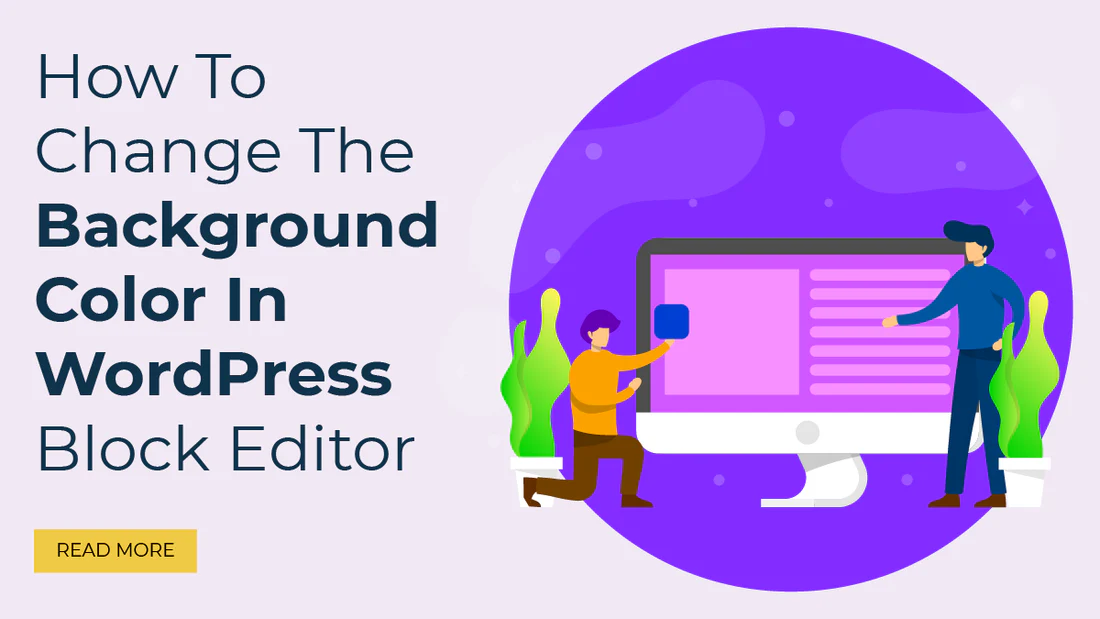
The WordPress Block Editor, also known as Gutenberg, offers a modern and flexible editing experience for website owners and bloggers. One of the most useful customization options is changing the background color of blocks and editor sections to improve design, readability, and user experience. Whether you are creating landing pages, blog posts, or business websites, learning how to customize background colors can make your content visually appealing and professional
Table of Contents
Background colors help separate sections, highlight important information, and create a more engaging layout. With the right color combinations, you can improve readability and match your website branding perfectly. The built-in WordPress tools make this process easier, but advanced users often rely on WP Code and custom CSS for better control.
Many developers also check a WP Code review before installing plugins or snippets to ensure compatibility and security. Using trusted tools is essential for maintaining website performance and preventing design issues.
The easiest way to customize background colors is directly from the Block Editor settings.
Steps to Change Background Color
This method works well for beginners because it does not require coding knowledge. However, some themes may limit color customization options.
Another effective method is using the Theme Customizer. Most modern WordPress themes allow users to change global colors through this feature.
How to Use Theme Customizer
The Theme Customizer is especially useful for maintaining consistent branding across your website. It allows users to apply the same background colors to headers, footers, and content sections without editing individual blocks.
If you want more advanced customization, WP Code is one of the best solutions. It allows users to safely add custom CSS and PHP snippets without directly editing theme files.
</> CSS
.wp-block-group {
background-color: #f5f5f5;
padding: 20px;
border-radius: 10px;
}
This code changes the background color of group blocks and adds spacing for a cleaner design.
Reading a reliable WP Code review before using the plugin can help you understand its features, security, and ease of use. Many WordPress users prefer WP Code because it simplifies customization while reducing the risk of breaking the website.
Customizing the background color of the WordPress Block Editor is a simple yet powerful way to improve your website design. Beginners can use built-in editor settings or the Theme Customizer, while advanced users can rely on WP Code for greater flexibility and control. Checking a trusted WP Code review before installation is always recommended for safe customization.
For more WordPress tips, tutorials, and expert guidance, visit WP Gyani and stay updated with the latest WordPress customization techniques.
Also view: How AI is Transforming WordPress Websites in 2026
It is highly advisable to protect your WordPress login since it is a common point of attack on any website. It protects all your valuable information and helps you retain the confidence that users have in you.
Thus, the passwords with high levels of security are those that require letter casing, numeracy, and the use of symbols. They are significant in the sense that they provide difficulty to anyone intent on obtaining your login details and therefore, act as a means of increasing the security on your site.
Two-factor authentication 2FA enhances the security reinforcement of an account by enforcing another sort of identification aside from a password. This makes it easier for outsiders not to gain access to your site as compared to the previous case.
To restrict login attempts, there are plugins that one can use, for instance, the Limit Login Attempts Reloaded and Loginizer among others. These plugins assist in avoiding brute force attacks, that is if the number of logins from one IP address is limited.
CAPTCHA is very useful in that it can be used to prevent hackers from accessing a website by cycling through word lists to guess a username/password by presenting the user with a task that the computer cannot do. This provides an extra layer of protection to minimize any unauthorized person to log into the system.
As for the fact that the attackers can find your login page naturally, it is necessary to note that changing the default login URL directly affects this factor and minimizes the chances of an attacker finding the account login page. This elementary change will go a long way in increasing the security of your site.
SSL or (Secure Socket Layer) is a form of data encryption that takes place between your browser and server to ensure that communication is secure. One has to make sure that the login credentials and other confidential information cannot be diverted to internet attackers.
Some of the plugins you can use for monitoring and logging login activities include; the WP Security Audit Log and Activity Log. Some of these tools are log-in attempts tracking mates and presenting detailed reports making it easy for one to follow suspicious movements and or signs of security breaches.
It aids in keeping your WordPress core, themes as well as plugins abreast with the current security updates or patches. Another advantage of having frequent backups is that it is easy to restore your site in case it has been attacked thus reducing time lost and information that may have been compromised.
If managing the security of your site becomes difficult or if you do not have the knowledge on how to administer more complicated security measures then it might be worth hiring professional security services. Expert gives full coverage and constant surveillance so that your site will not be vulnerable.